growatt-bridge
A home hybrid inverter, talking to Home Assistant on my own terms.
A self-built Modbus bridge between a home hybrid solar inverter and Home Assistant: reads live power, battery and grid data over Modbus and publishes it via MQTT auto-discovery, backed by a documented, code-generated register map and a mock mode for development without live hardware.
Site/network details are deliberately generic here — this describes the mechanism, not the specific installation.
- Stack
- Python · Modbus TCP · MQTT (Home Assistant discovery) · Docker · pytest
- Timescale
- Design document 25.07.2026 → live on real hardware 03.08.2026.
- Role
- Solo build — design to deployment.
- Scope
- 16 Python files · ~3,840 lines · 60 tests (count of 16.09.2026).
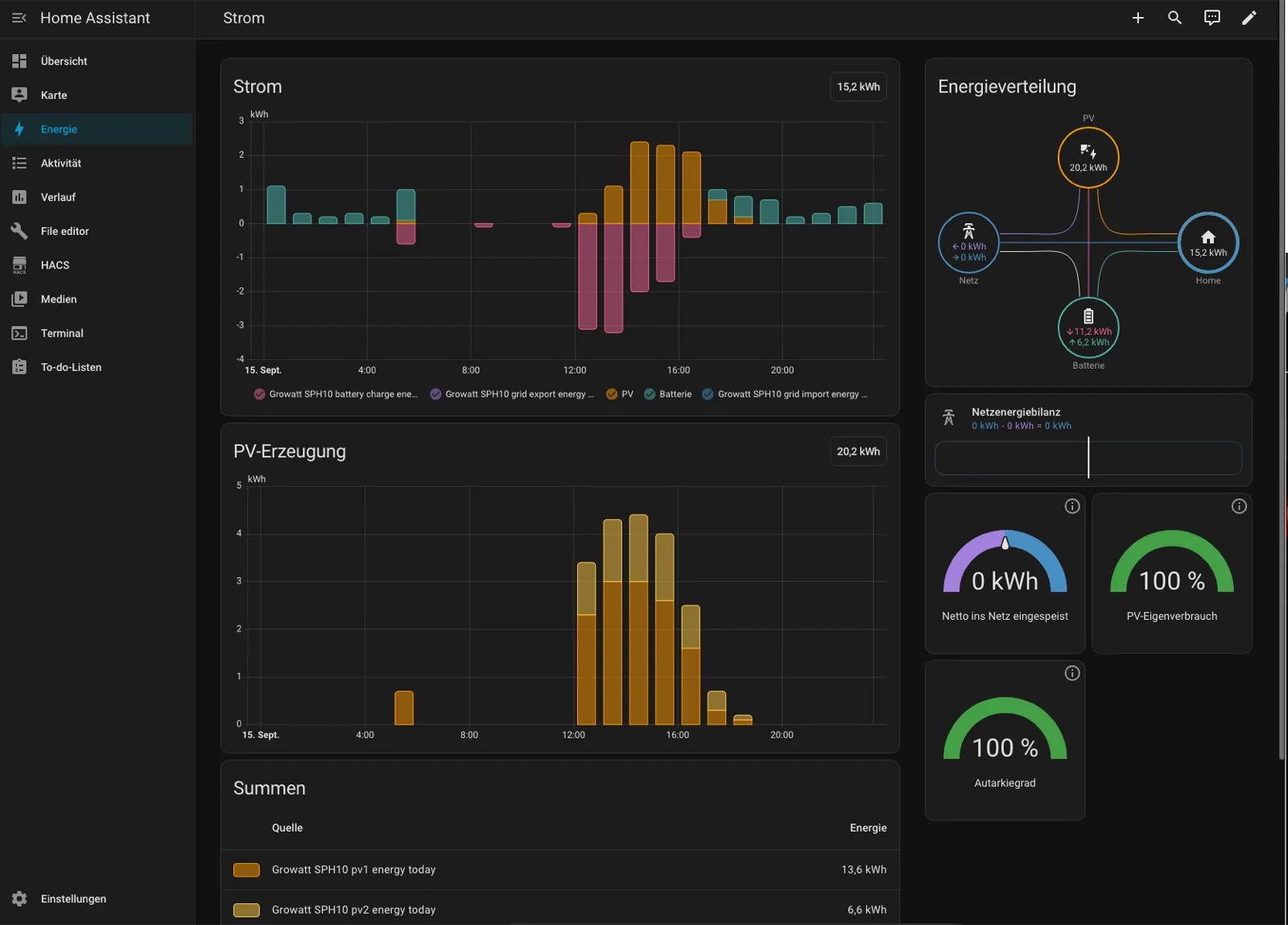
Custom Bridge vs. Off-the-Shelf Integration
The vendor integration for the Growatt SPH 10 kW hybrid inverter requires a connection through the vendor cloud. Local community integrations are technically functional, but the RS485 side tolerates exactly one Modbus master. Two clients on the same gateway produce colliding transactions and timeouts that look like wiring faults, making the choice between local and standard solutions an either/or. This bridge wins that choice by providing a register map verified against this exact firmware and a guarded write path.
Architecture: Service to MQTT to Discovery
The system uses a standalone Python service to read data via Modbus and publish it to a Mosquitto broker. Home Assistant then creates the necessary sensors automatically through MQTT Discovery. This architecture ensures the poller survives Home Assistant restarts and provides a single, logged path for command topics. The bridge is not an add-on because it must remain active as the sole reader during a blackout drill.
Verified Logic and Field Measurement
The development followed a strict sequence: design documentation and a mock mode on 25.07.2026, followed by real hardware integration on 03.08.2026. One atomic block read returned 440 W for PV and 170 W for battery discharge, totaling 610 W for the load. Verification against the energy screen of the device display showed every value matching to the decimal.
Code, Testing, and Deployment
The codebase consists of 16 Python files and approximately 3,840 lines of code with 60 pytest test functions. A test fails automatically if the register documentation drifts from the source code. Mock mode allows development without hardware, while a read-only sweep tool maps new addresses only when the bridge is stopped. The system runs in a Docker container where a timer checks every 6 hours for changes, rebuilds the container only when needed, and rolls back automatically on failure.
Guarded Write Path
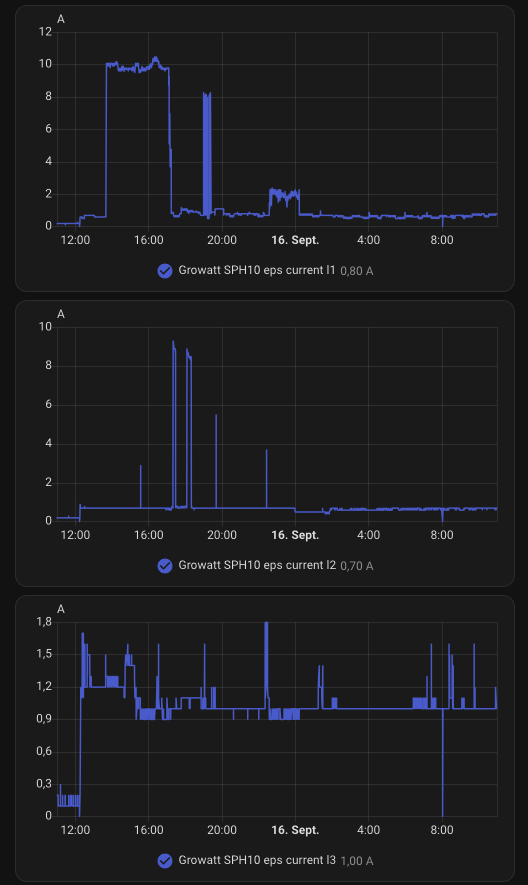
The write path is protected by five guards: whitelist, readback-verify, rate limit, status gate, and audit log. The write path itself stays disabled by configuration, because the status gate cannot be implemented honestly: the status register reports the configured mode rather than the actual power flow. In a test on 04.08.2026, the AC output voltage remained at around 230 V even when the grid was switched off. As long as no register reliably indicates island mode, the write path stays off.
Dashboard Integration
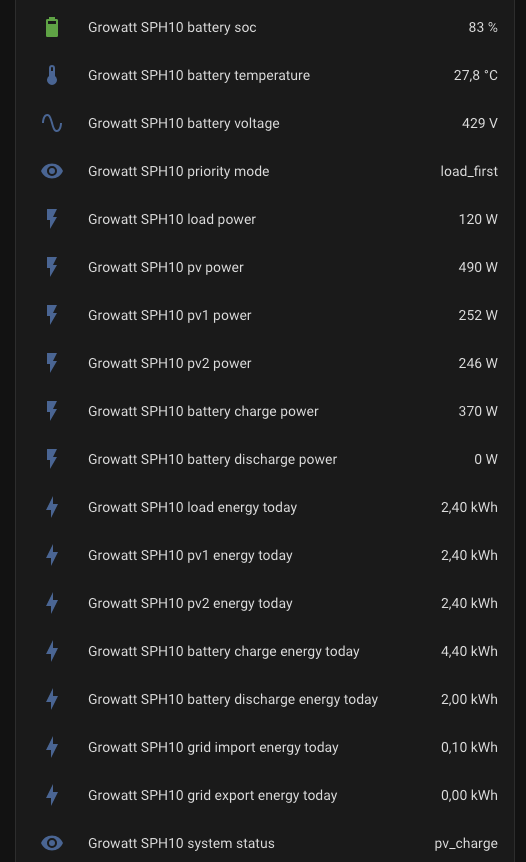
The system provides 105 entities from the inverter, 5 computed values, 16 template sensors, and 1 build identity. A generated sensor document specifies the origin and unit for each value and identifies which data points are not suitable for a dashboard. Values that do not provide reliable measurements are decoded but not published.
Get in touch
Interested in a walkthrough?
The source code is private, but I am happy to walk through the architecture and the code on a call — NDA-friendly.
Contact